 01 / Capture
3D Scanning
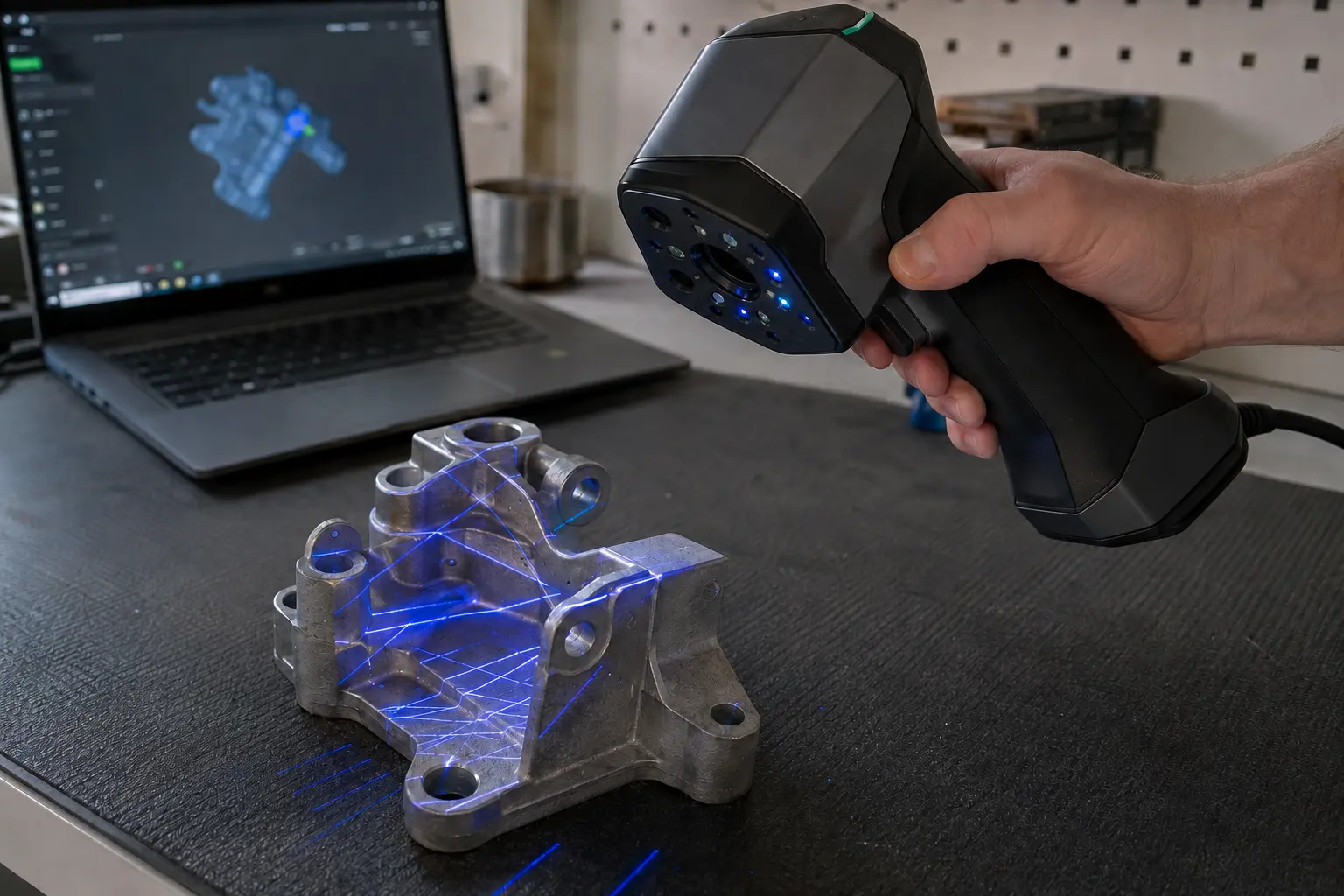
Capture a physical object as accurate digital surface data for measurement, visualization, archiving, design, printing, or future reference.
Explore 3D scanning
DFW 3D scanning and reverse engineering
From an accurate 3D scan to an editable CAD model, digital asset, or working replacement part, Logic Renewed turns real-world objects into something useful again.
Capture what exists, rebuild what matters, and deliver the model or part the project actually needs.
Raptor Linux announcement
The native Linux app for the Creality CR-Scan Raptor and Raptor Pro releases on December 26, 2026, maybe sooner. Get one email the day it ships.
The native Linux app for the Creality CR-Scan Raptor and Raptor Pro is in final hardware testing. The official release date drops on Monday, October 19, 2026 at 9 PM Central. Get one email the moment it is public.
Every sign-up helps show Creality that people want native Linux support for their scanners.
Learn about Raptor LinuxRelease date
December 26, 2026
…or sooner.
Funded only by donations. No company or sponsor is behind this project. If you want it to happen, any amount helps.
Support developmentFour core services
Each service can stand alone or connect into a complete capture-to-delivery process. Start with what the object needs to become.
01 / CaptureCapture a physical object as accurate digital surface data for measurement, visualization, archiving, design, printing, or future reference.
Explore 3D scanning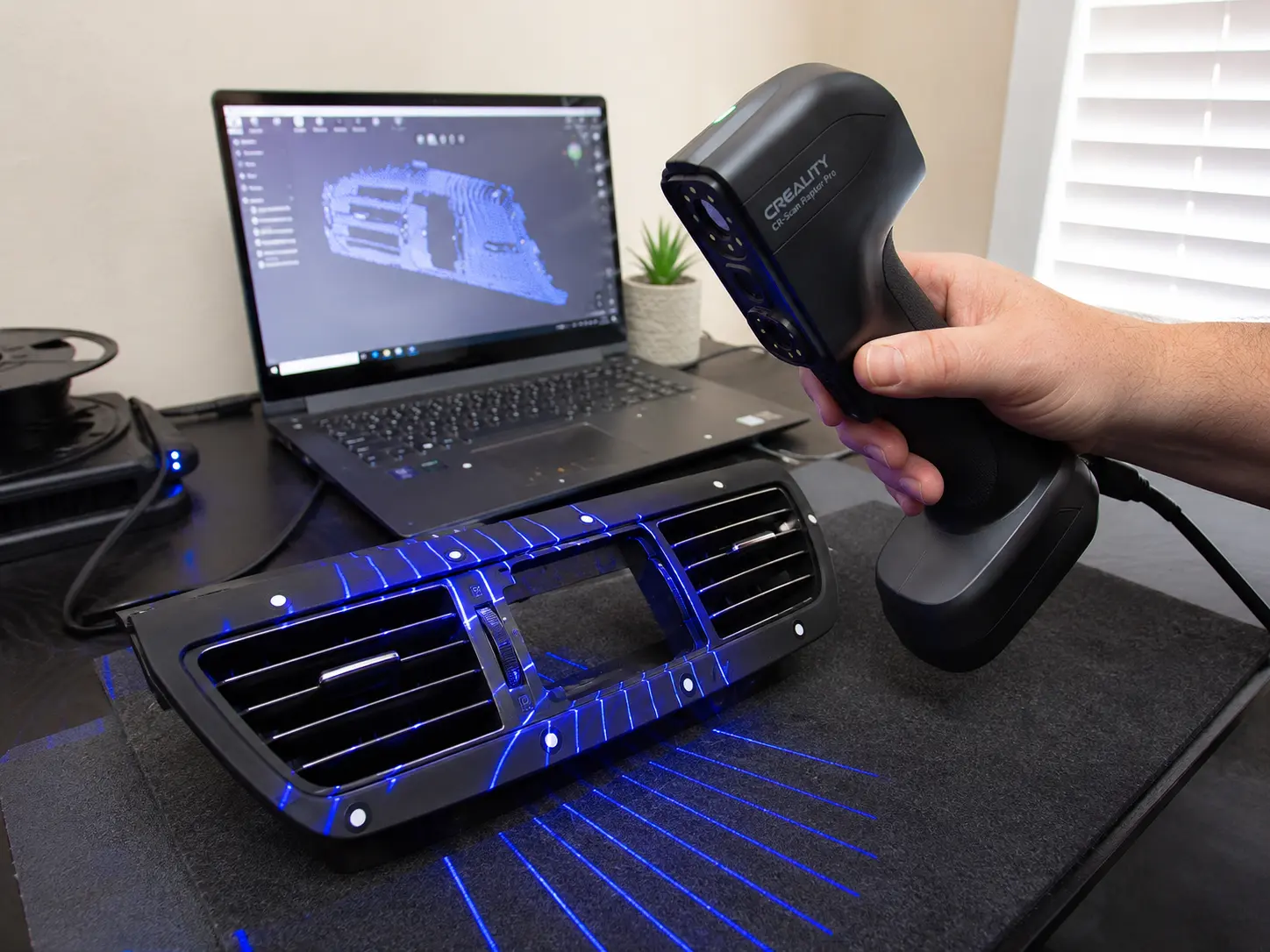 02 / Rebuild
Rebuild measured surfaces into clean, editable geometry for redesign, fit checks, engineering changes, fabrication, and future production.
View the CAD process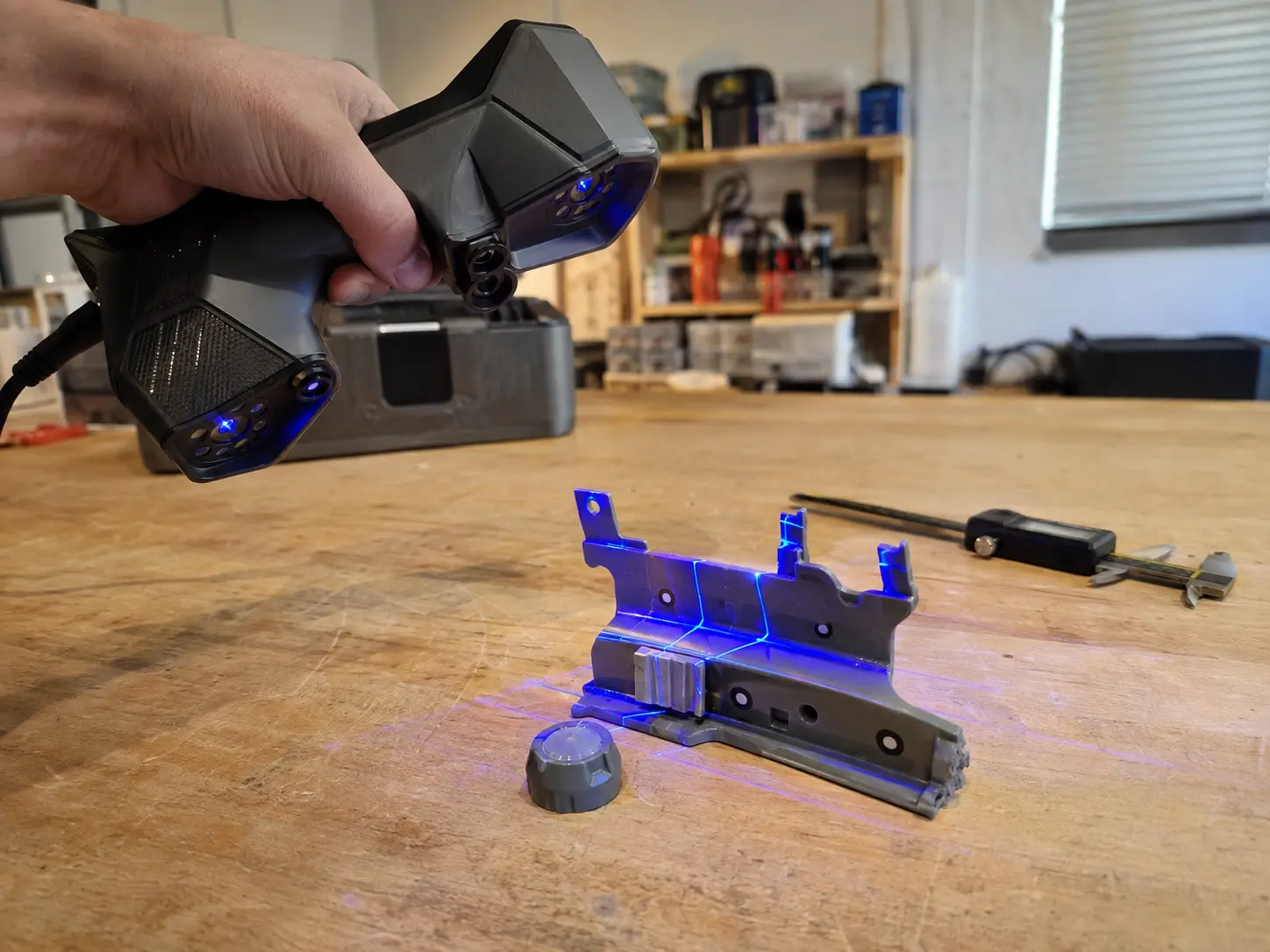 03 / Renew
Use a worn, broken, or discontinued original as the reference for a renewed model or replacement built around fit and function.
Explore replication04 / MobileBring portable capture to vehicles, equipment, fixtures, assemblies, and other objects that cannot reasonably travel to the bench.
Plan an on-site visitBuilt for real-world use
The right result depends on what you need to do next, not on choosing a technical file format first.
Measurement, fit checks, reference, and redesign.
Turn physical props and objects into digital references.
Recreate missing, damaged, or unavailable components.
Prepare useful geometry for prototypes and finished parts.
Preserve the shape of objects and legacy components.
Start with what exists, then make the next version.
A straightforward process
You do not need to understand scanning technology or CAD formats. Explain the object, the problem, and what a successful result needs to accomplish.
Share the full object, important details, rough dimensions, and what the finished result needs to do.
I review feasibility and recommend the simplest useful scan, model, replacement, or combination.
Confirm the deliverable, timeline, and quote before scanning or modeling begins.
Receive the agreed scan data, editable model, replacement part, or combination your project needs.
Genuine Logic Renewed footage
This is an actual scanning pass at my bench. I capture the surfaces that matter, rebuild around the real use case, and deliver a usable file, part, or project path.
Typical project paths
The examples below show the range of work. Every photo uses the Raptor Pro in a small-studio workflow rather than pretending to be a finished customer project.
Capture hard-to-measure surfaces, mounting areas, and component relationships.
Use an existing original as the reference for a renewed model and working replacement.
Document automotive surfaces, clips, mounting points, and surrounding geometry.
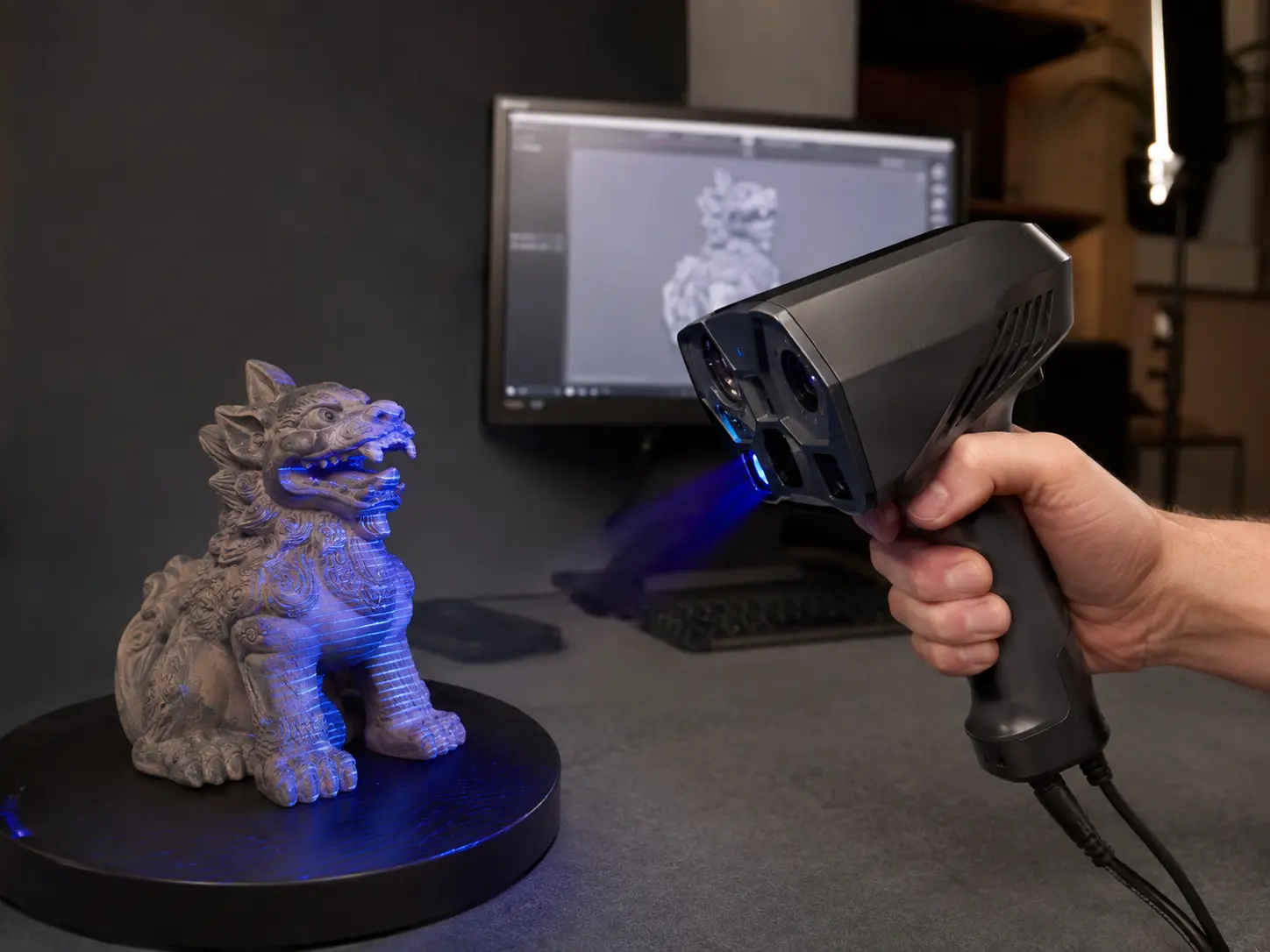
Bring a physical object into digital workflows for fabrication, visualization, or games.
Clear from the beginning
Explain what the object needs to become. I help determine the most practical route and define the scope before the work begins.
Quick answers
The first conversation is about the object, the problem, and the result—not technical specifications you may not need.
Ask about your objectStart with the object
Send a few clear photos, rough dimensions, and the outcome you need. That is enough to begin finding the right path forward.